How to use KappaNeuro/moebius-jean-giraud-style with Diffusers:
pip install -U diffusers transformers accelerate
import torch
from diffusers import DiffusionPipeline

# switch to "mps" for apple devices
pipe = DiffusionPipeline.from_pretrained("stabilityai/stable-diffusion-xl-base-1.0", dtype=torch.bfloat16, device_map="cuda")
pipe.load_lora_weights("KappaNeuro/moebius-jean-giraud-style")

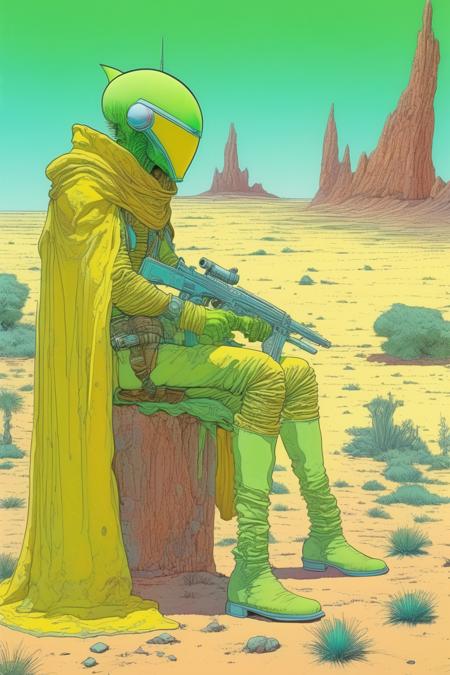
prompt = "Moebius (Jean Giraud) Style - A picture by Jean Giraud Moebius, the picture shows a green and yellow alien bounty hunter, drawing, western backdrop in Moebius' signature style with sharp detailing and vibrant colors. Captured with a Panavision Panaflex Gold II and an Ultra Panavision 70 lens, the image is full of film grain and low - key lighting that creates a mysterious and intense atmosphere."
image = pipe(prompt).images[0]
https://huggingface.co/KappaNeuro/moebius-jean-giraud-style/resolve/main/2329531.jpeg
hf download hf://KappaNeuro/moebius-jean-giraud-style/2329531.jpeg
curl -L -o 2329531.jpeg https://huggingface.co/KappaNeuro/moebius-jean-giraud-style/resolve/main/2329531.jpeg